Start from what you have
- 1Send your talking videoFillers and gaps are cut, captions flow in, the emphasis gets motion.
- 2Send your materialsDrop photos, clips or a link. Tigno puts them in order and places each one at the right moment.
- 3Give it your briefPaste your script. Tigno builds the scenes, sentence by sentence.
- 4Write in the chatSay what you don't like and the reel changes. No hours in an editor, just a chat.
00:00.0
ÖNCEBİR HESAP
HesapProfilİçerik
Kanal açmak için önce bir hesap oluşturmanız lazım.


Brief
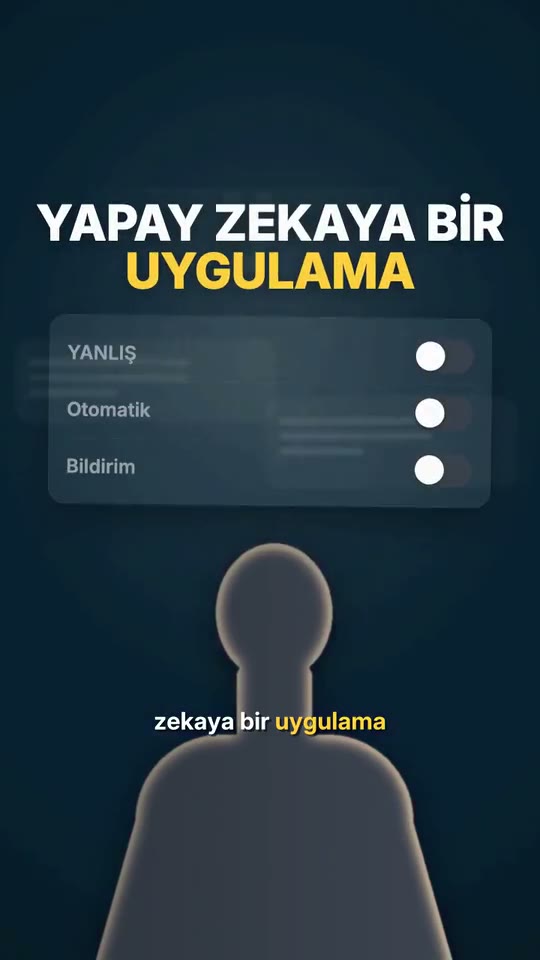
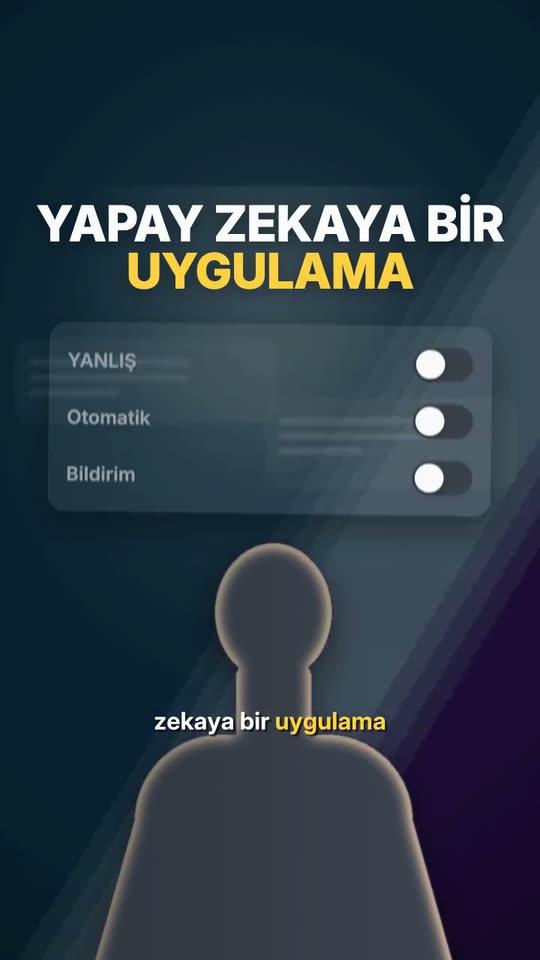
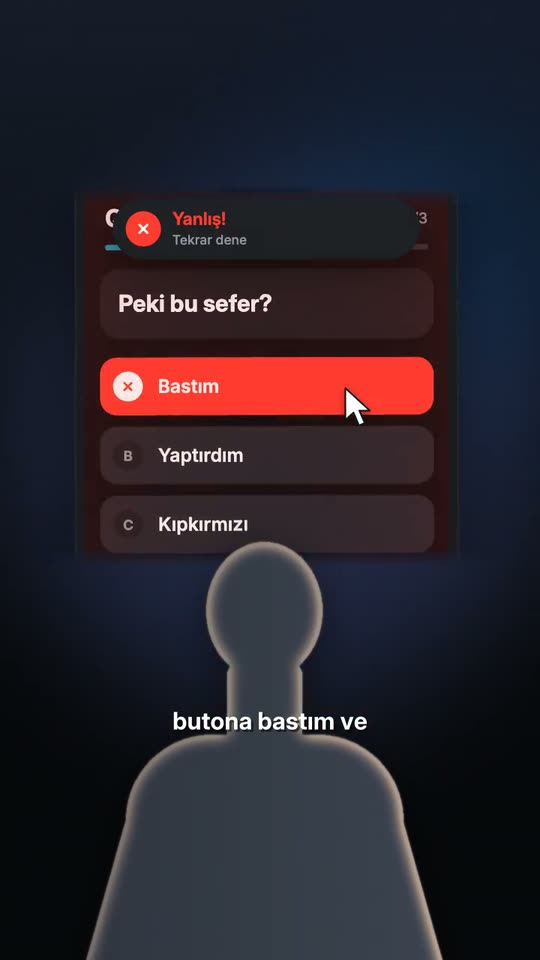
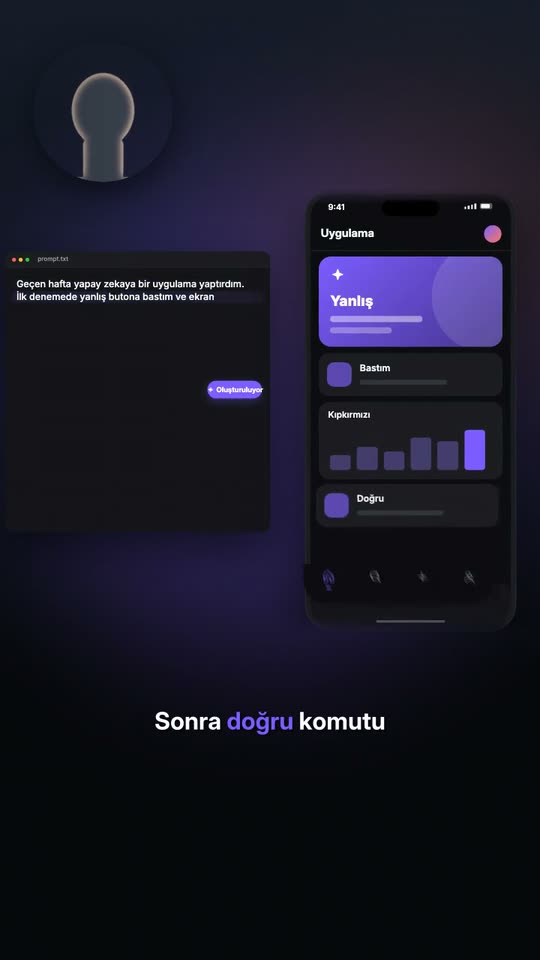
1Last week I had AI build me an app.2First try, I hit the wrong button and the screen went red.3Then I typed the right prompt. Chat
Chat
YouPut a phone scene in between.
Phone scene added.
YouMake the opening hit harder.
Push-in and a hit added to the opening.
YouPick up the pace.
Tempo: balanced → upbeat.
Any style of reel. One chat.
Hover to play.Tap to play.
Fast visual story
You open, then every line brings a new picture, fast.
Cinematic story
Low light and a slow camera carry it from scene to scene.
Talking head with b-roll
You stay in frame, and what you say appears above you.
Faceless modelling
Your face stays off screen. Modelled scenes tell the story.
Motion only
No footage. A route, a map and a counter tell the story.
Let Tigno cut your next reel.
Write in chat.Tigno edits.
Give it your talking video, your materials or your brief. Say what you want, and your reel is ready fast.